Upload directly
Parse slides and presentation content

Upload a PPT and YOCO will generate scripts by page and animation sequence, then complete narration, subtitles, avatars, visual packaging, and video rendering in one studio.

Parse slides and presentation content
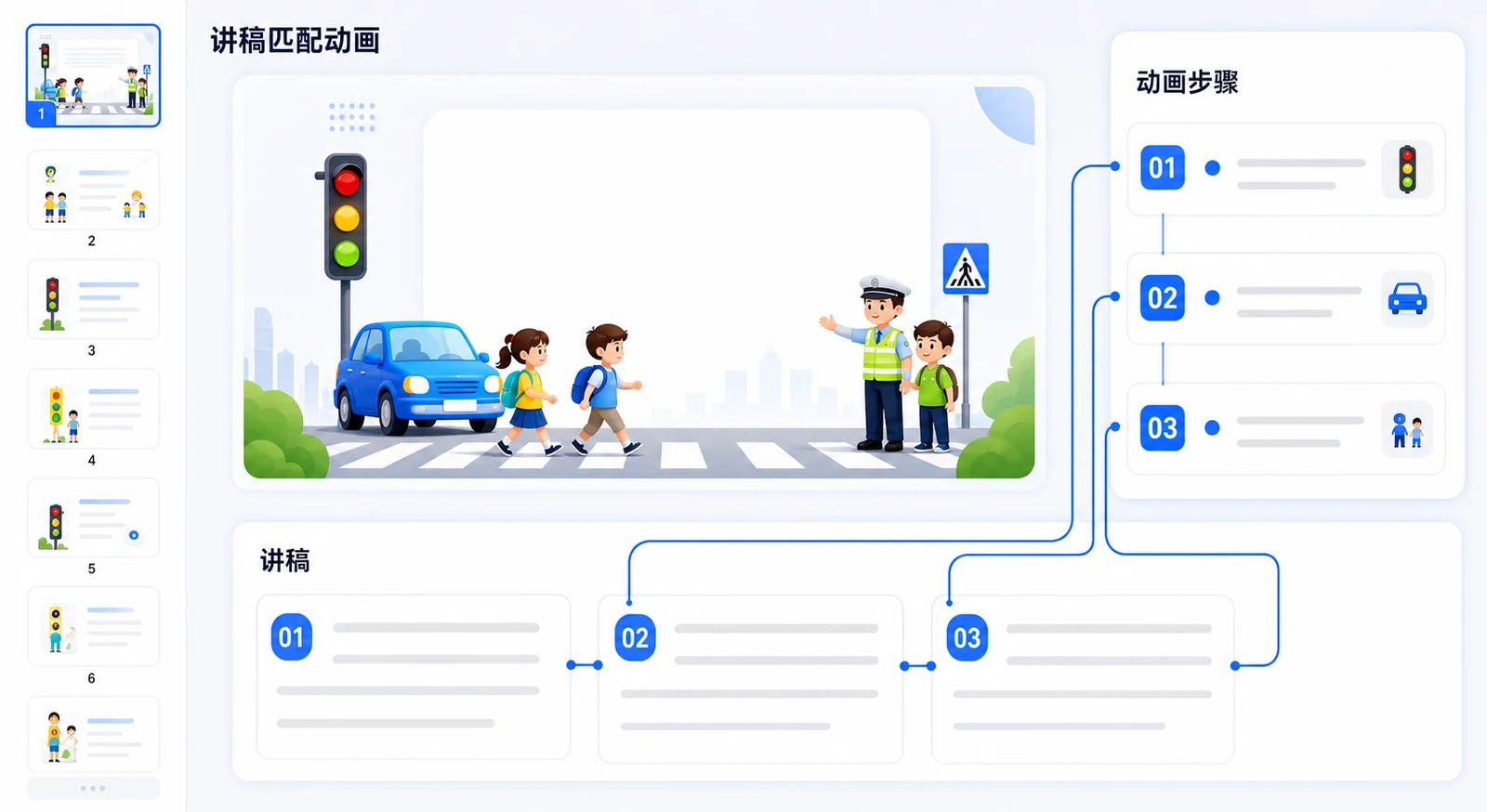
Align scripts to slides and animation flow
Preserve original pacing
Narration, subtitles, and avatars
Scripts are generated following PPT pages and animation steps, then synthesized with voice, subtitles, and visuals into a video.
Detect slides, animations, and embedded media.
Arrange narration based on slide and animation sequence.
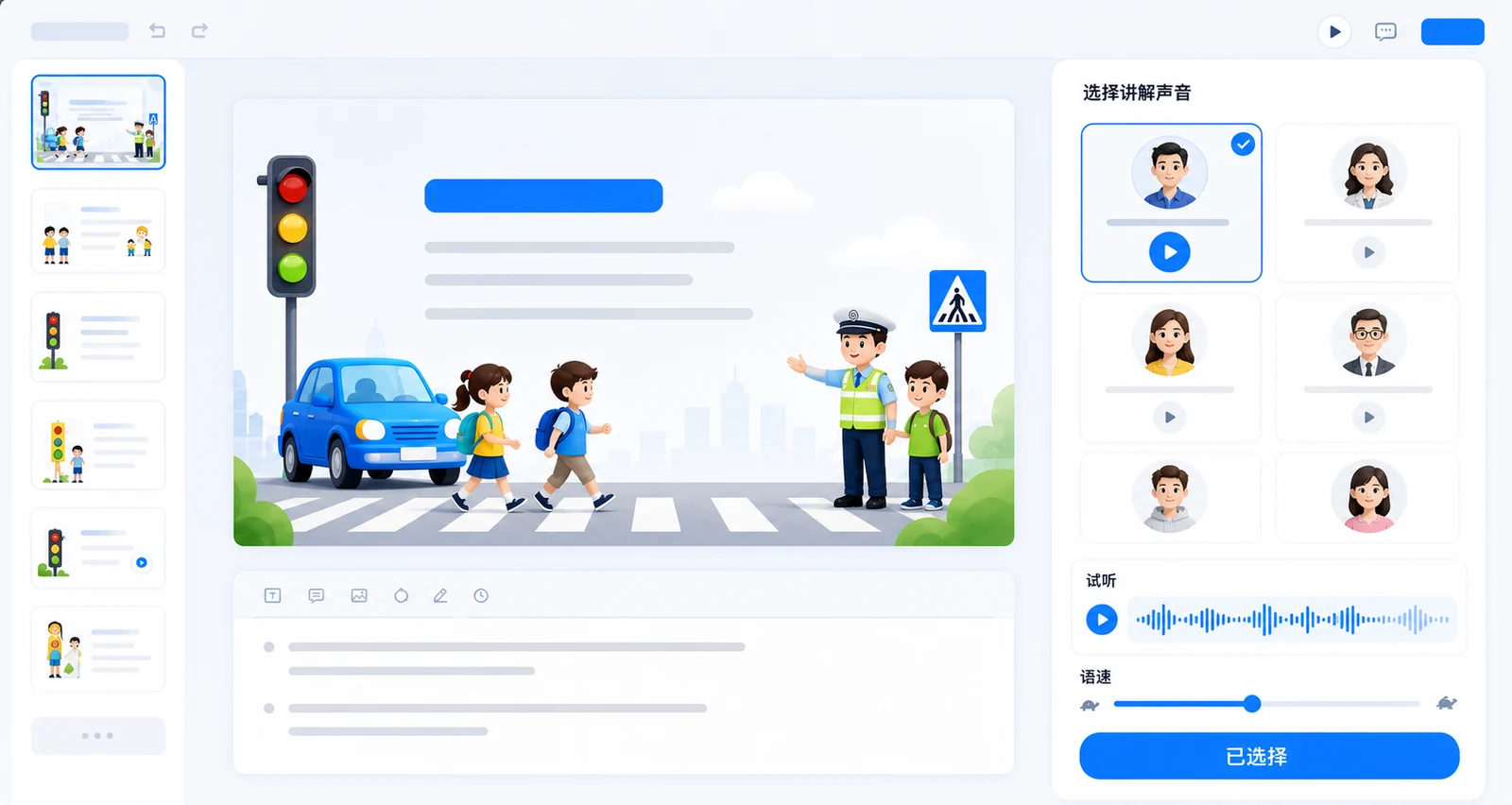
Select voice, speed, subtitles, and multilingual options.
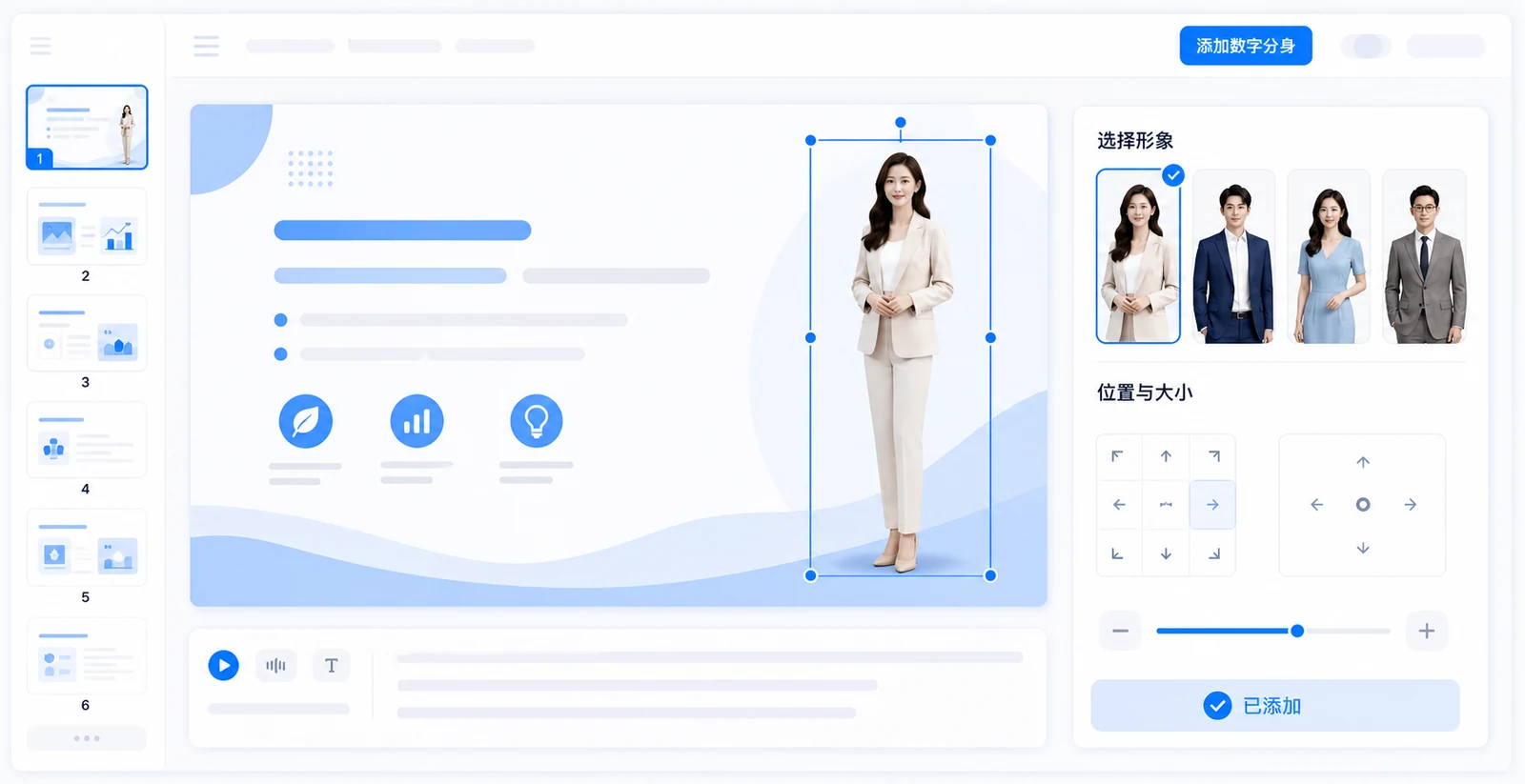
Add avatars, layouts, and Dynamic annotations as needed.
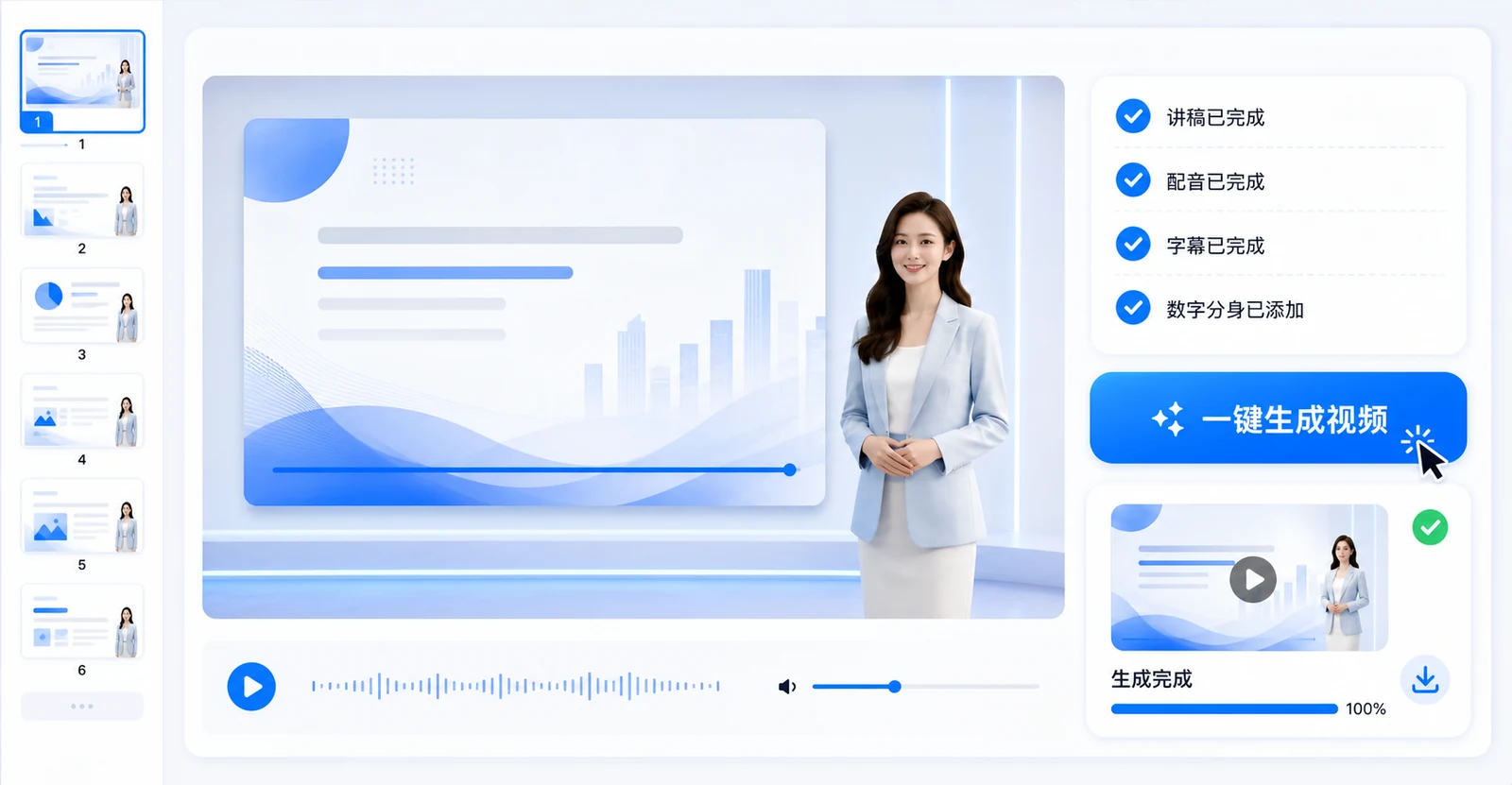
Add template and intro/outro, then generate a ready-to-use video.
Titles and topic appear
00:00Risk types appear in sequence
00:08Key conclusions and callouts appear
00:19YOCO reads page and animation order so scripts and narration stay aligned with presentation flow, preserving the original pacing as much as possible.
The system generates scripts from slide content and splits long text by animation steps. You can edit each segment, regenerate, and tune pauses, pace, and technical term pronunciation.
This page covers the three most common information-security risks in daily business.
84 charsFirst, account and password risk: weak or reused credentials significantly increase takeover risk.
98 charsSecond, handle unknown links and attachments carefully to avoid sensitive data leaks.
85 charsNot every video requires a digital avatar. Enable features based on your use case.
Choose a natural narration voice and tune pace and pauses.
Multiple voices · Speed controlUse public or custom avatars to deliver the explanation.
Multiple layouts · Use as neededAuto-sync captions to scripts with style and bilingual output options.
Subtitle styles · Bilingual versionsEmphasize key slide points with frame/line Dynamic annotations.
Key highlights · Follow narrationKeep scene layouts, brand visuals, and avatar style consistent.
Brand package · Layout reuseSet consistent intros and outros for series and enterprise videos.
Consistent opening · Consistent endingKeep the original PPT and reuse it across versions by changing script, voice, subtitle language, avatar, or visual design.
Convert teaching materials into reusable course videos quickly.
Course videos · Bilingual micro-coursesCreate uniformly styled training videos from policies, products, and course materials.
Employee & product trainingWhen content updates, no need to reappear or re-record full videos.
Policy interpretation · Knowledge sharingReuse one visual set to produce narration versions in different languages.
Global publishing · Bilingual coursesLearn about animation, scripts, avatars, and video rendering methods.
YOCO supports parsing and preserving common PPT animations. Scripts and narration play along page and animation steps. You can preview complex effects after upload.
No. Avatars are optional. You can create narration-only videos with subtitles on PPT visuals.
Yes. Scripts can be edited by slide or animation step, then regenerated or refined before narration and synthesis.
Yes. You can edit or replace scripts during production and set voices by task. Existing media in your deck is automatically parsed into the workflow.
Yes. Teams can reuse video templates, subtitle styles, voices, and avatars to standardize style across series.
After logging in to YOCO studio, upload an existing PPT and follow the steps to complete script, voice, visuals, and video rendering.